// 2026-05-10 · Learning & Education · by Bob Smith
Open Library: Borrow Millions of Books Free in Browser
Open Library is the Internet Archive's free lending library, a page for every book ever published, plus millions you can borrow and read in your browser.
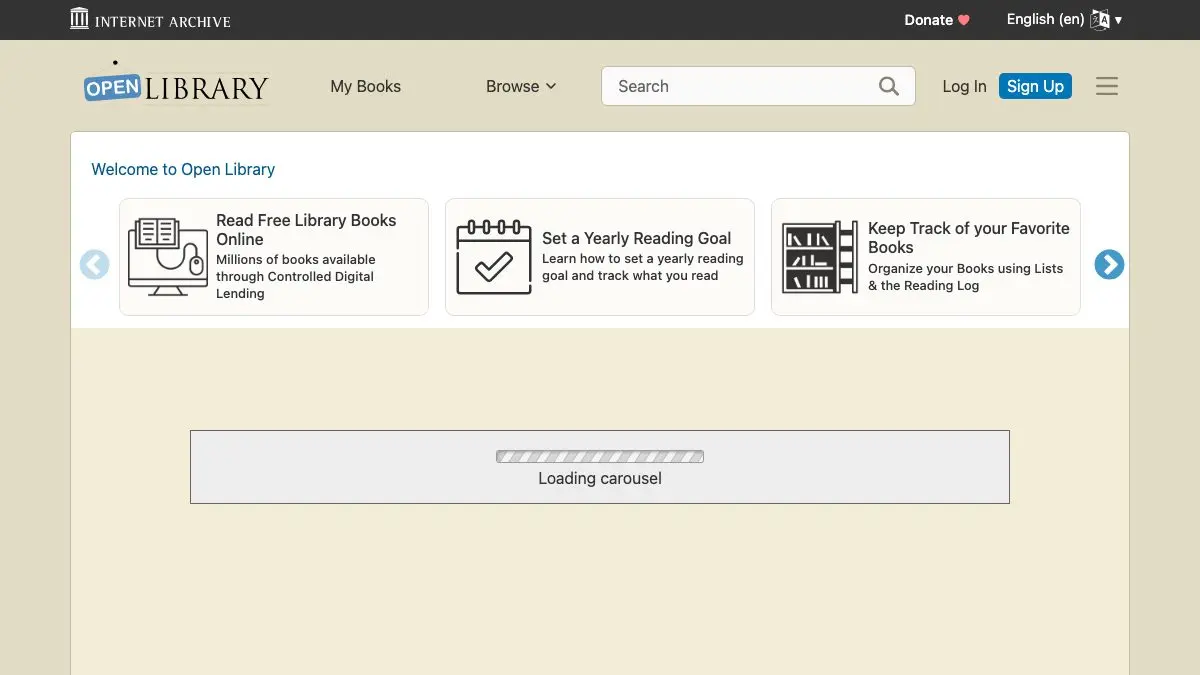
Open Library is the Internet Archive’s free lending library, and its ambition is gloriously silly: one web page for every book ever published. Millions of those books you can actually borrow and read in your browser, right now, for nothing. It is a public library that never closes and does not care which city you live in.
No card. No due-date guilt trip from a librarian who knows your mother. Just a search box and a stack of books.
What is Open Library?
Start with the catalog. Open Library is trying to build a record for every book that exists, every edition, every cover, every translation, cross-linked to its author and its subjects. Think of it as a card catalog for the entire planet, except it is a wiki, so readers keep fixing and filling it in.
Then there is the good part. A big slice of that catalog is scanned and sitting on Internet Archive servers, and you can borrow it. Sign in, click Borrow, and the book opens in a browser reader with page turns, search-inside and a text-to-speech read-aloud mode. When the loan is up, it just goes away. No fines. No shame.
And for anything old enough to be in the public domain, there is no loan at all, you read it, download it, keep it. That is where Open Library stops being a nice idea and starts being the thing you have open in a tab at 1am.
What can you do on Open Library?
- Borrow modern books. Availability shifts by title, but a huge amount of twentieth-century publishing is one click away. Some loans run an hour, some run up to two weeks.
- Read public domain books instantly. No waitlist, no account nagging: old novels, manuals, weird Victorian science, all free to read or download as EPUB or PDF.
- Search inside a book. The reader lets you full-text search a scanned book, which is a superpower for research and a menace to your evening.
- Browse by subject. Every book is tagged, so you can fall down a hole labeled “shipwrecks” or “medieval cooking” and emerge blinking two hours later.
- Keep reading logs and lists. Mark books as Want to Read, Currently Reading or Already Read, and build public lists on any theme you like.
- Edit the catalog. Missing cover? Duplicate edition? Wrong author? You can fix it yourself. It is a library you are allowed to tidy.
Tips to get the most out of it
Use the availability filter. Search results include titles nobody has scanned. Filter to borrowable or readable items and the site instantly stops teasing you with books you cannot open.
Join the waitlist and forget about it. Popular titles get queued. Put your name down, close the tab, and let the email surprise you in a week. It is the good kind of mail.
Try the read-aloud mode. The browser reader will read a book to you out loud. It is robotic, yes, but it turns a dishwashing session into an audiobook for free.
Check the “Editions” list before borrowing. Some scans are cleaner, some have better page quality, and a 1972 edition may be available when the 2004 one is not. Different editions, different odds.
Search the author page, not just the title. Author pages collect everything the catalog knows, including obscure pamphlets and out-of-print oddities you would never think to search for.
Download for offline reading. Borrowed books can go to your device with the Archive’s reader apps, and public domain ones are yours as plain files.
If you like Open Library, also try…
- Project Gutenberg: over 70,000 public domain books as clean, free ebooks with no borrowing at all. The purest form of “just take the book.”
- Internet Archive / Wayback Machine: the enormous nonprofit archive that runs Open Library, and also happens to store the entire history of the web.
- Artvee: free high-resolution downloads of public domain paintings, posters and book illustrations, for when you want the pictures instead of the words.
- TypeLit.io: practice typing by retyping classic novels. Reading, but with your fingers.
More brain food lives in our Learning & Education collection. Bring snacks.
Frequently asked questions
What is Open Library?
Open Library is a free online catalog and lending library run by the Internet Archive. Its goal is one web page for every book ever published, and many of those books can be borrowed and read directly in your browser. It also tracks editions, authors, covers and subjects like a giant open card catalog.
Is Open Library free?
Yes. Open Library is completely free to browse, search and use, and borrowing books costs nothing. You only need a free account to borrow titles or keep reading lists, there is no subscription and no paywall.
How does borrowing books on Open Library work?
You sign in with a free account and click Borrow on a book's page. Depending on the title you get a short one-hour loan or a longer loan of up to two weeks, and the book opens in the browser reader. Popular titles have waitlists, and public domain books can be read instantly with no loan at all.
Can I add or fix information on Open Library?
Yes, Open Library is an open, wiki-style catalog. Anyone with an account can edit book records, add missing covers, merge duplicate editions and fill in author details. Edits are public and logged, so the catalog improves as readers use it.