// 2026-05-18 · Privacy & Security · by Bob Smith
Have I Been Pwned: Check If Your Email Was Breached
Have I Been Pwned tells you whether your email or password turned up in a known data breach, free, ad-free, and run by a respected security researcher.
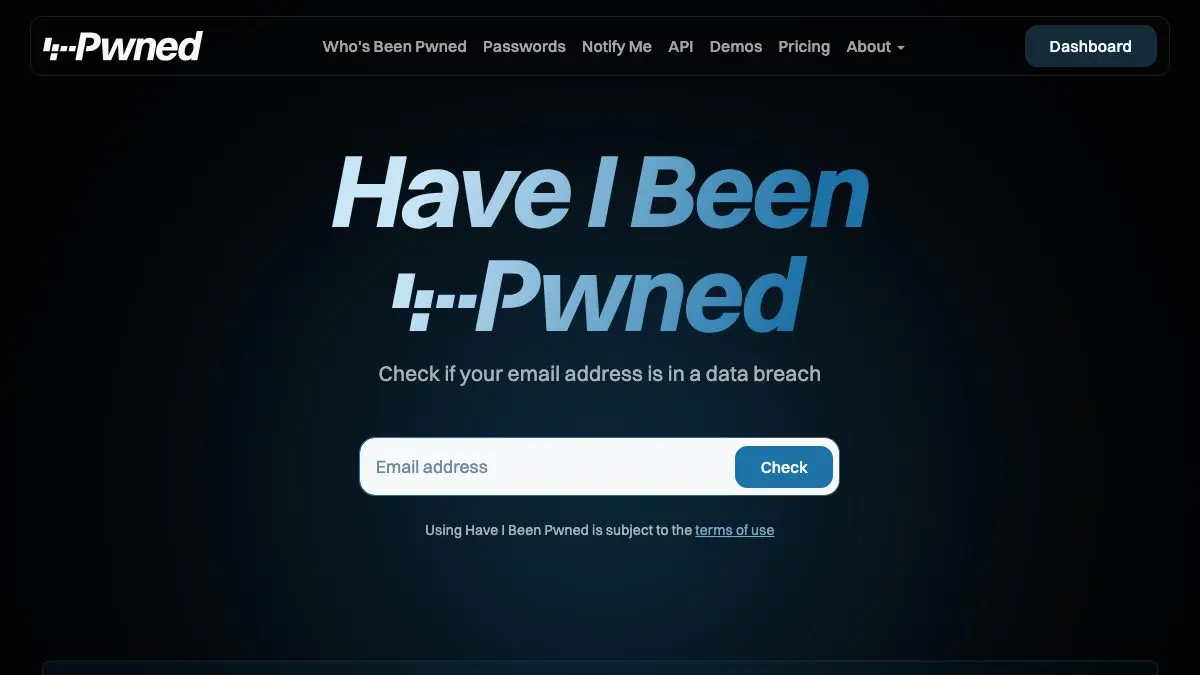
Have I Been Pwned is a search box that tells you, in about two seconds, whether your email address has turned up in a data breach. Type it in, hit enter, and you get a list of every hacked service your address was found in and exactly what got leaked. It is free, ad-free, and it has been quietly doing this for over a decade.
Everyone should run this once. Most people find something. That is the point.
What is Have I Been Pwned?
It was built by Australian security researcher Troy Hunt, who kept noticing the same thing after every breach: enormous dumps of user data would circulate, and the actual users had no way of knowing they were in them. So he built one. Have I Been Pwned collects breach data as it becomes public, indexes it, and lets anyone search their own address against it.
The database now covers billions of accounts across hundreds of breached sites, social networks, forums, retailers, dating apps, companies that no longer exist. Each breach gets a page explaining when it happened, how many accounts were involved, and which data classes were exposed: emails, passwords, addresses, dates of birth, sometimes far worse.
What keeps it trustworthy is restraint. It shows you which breaches you are in. It does not show you the leaked passwords, it does not sell you a subscription to fix it, and it does not do the fear-marketing routine that commercial “identity protection” services run on. It gives you the facts and lets you act.
What can you do on Have I Been Pwned?
- Search your email address. The core feature. Instant list of breaches, with dates and exposed data types.
- Check a password. The Pwned Passwords tool tells you if a password appears in known breach corpora: and it does it without ever seeing your password, using a clever partial-hash trick.
- Get notified about future breaches. Register your address and you get an email if it shows up in something new. Free, and genuinely useful years later.
- Monitor a whole domain. Domain owners can verify a domain and see every address on it that appears in breaches. Excellent for small teams and family domains.
- Read the breach list. Every indexed breach has a write-up. It is a grim but fascinating history of internet security failures.
- Check phone numbers. Some datasets include phone numbers, and those are searchable too.
Tips to get the most out of it
Check every address you own, not just the main one. Old university addresses, the throwaway you used for forums in 2009, the one on your domain. Old accounts are where reused passwords go to haunt you.
Sign up for notifications and forget it. This is the single highest-value thirty seconds. Years later an email arrives telling you a service you barely remember got dumped, and you get to change that password before anyone uses it.
Test your habits with Pwned Passwords, not just one password. If a password you use appears in the corpus even once, it is in every attacker’s dictionary. Try a couple and you will quickly learn whether your personal password system is as clever as you thought.
Read the breach description, not just the count. “Email addresses and passwords” is one problem. “Email addresses, passwords, physical addresses and security questions” is a very different one and needs more than a password change.
Do not panic about old breaches. Appearing in a 2013 dump for a site you have not used since is not an active emergency. Fix reuse, enable two-factor, move on.
Follow the fix all the way through. The real work is not on this site, it is opening your password manager and killing every duplicate it finds.
If you like Have I Been Pwned, also try…
- Cover Your Tracks: the EFF’s test of how uniquely identifiable your browser is to trackers.
- JustDeleteMe: a directory of how hard it is to delete your account from any given service, which pairs beautifully with a breach list.
- Internet Archive / Wayback Machine: for looking up what a now-defunct site you signed up to in 2011 actually was.
More ways to tidy your digital footprint live in our Privacy & Security collection.
Frequently asked questions
What is Have I Been Pwned?
Have I Been Pwned is a free service that lets you check whether your email address or phone number has appeared in a known data breach. You enter the address, and it tells you which breached services it was found in and what kinds of data were exposed. It was created and is run by security researcher Troy Hunt, and it indexes billions of compromised accounts.
Is Have I Been Pwned free?
Yes. Searching an email address, checking a password and signing up for breach notifications are all free, with no ads and no account required. Only the developer API and some large-scale domain features are paid, and those are aimed at organizations rather than individuals.
Is it safe to type my password into Have I Been Pwned?
The Pwned Passwords check is designed so your password never leaves your device in a usable form. Your browser hashes the password, sends only the first five characters of that hash, and compares the returned list locally. The service therefore cannot see your password, and the search itself is not logged against you.
What should I do if my email shows up in a breach?
Change the password on the affected service immediately, and change it anywhere else you reused it, reuse is what turns one breach into many. Turn on two-factor authentication where it is offered, and move to a password manager so every site gets a unique password. A breach listing is not an emergency, but it is a clear prompt to fix your weakest logins.