// 2026-08-05 · Music & Audio · by Bob Smith
Gnoosic: Name Three Bands, Get One You've Never Heard Of
Gnoosic asks for three bands you love, then guesses artists you might like one at a time. No account, no algorithmic feed, just a very old website with good taste.
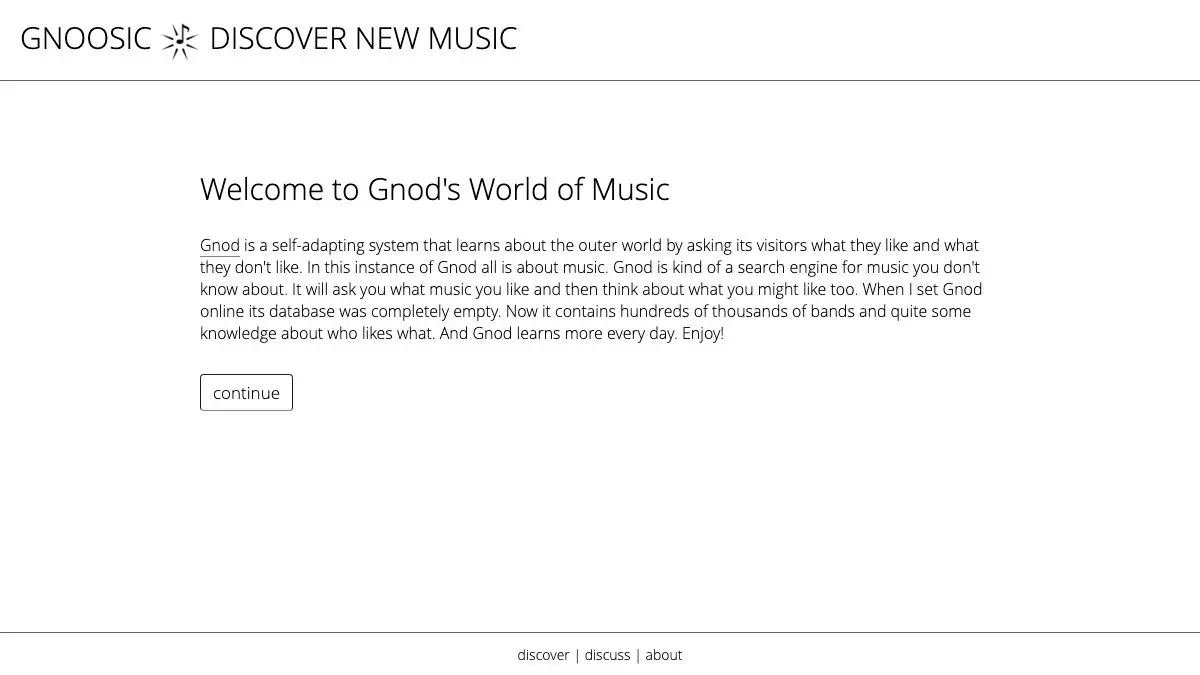
Gnoosic asks you a single question, three times. Name a band you like. Name another. Name a third. Then it thinks for a moment and offers you one artist you might like, with three buttons underneath: I like it, I don’t like it, I don’t know it. That’s the whole site. It looks like it was built in 2003 because it was, and it still works better than most of what replaced it.
What is Gnoosic?
Gnoosic is one branch of a small family of recommendation sites run under the name Gnod, the “Global Network of Discovery.” The others do the same trick for books (Literature-Map), films, and artists plotted as a spatial cloud (Music-Map). All of them are built on the same underlying idea: if enough people say they like A, B, and C together, then someone who names A and B probably wants to hear C.
That’s collaborative filtering, and it predates the modern recommendation industry by a long way. What makes Gnoosic interesting is that it never got buried under an interface. There’s no feed, no autoplay, no thirty-second preview clip nudging you toward whatever the label paid to promote this week. There is a text box and a suggestion.
The interaction is also unusually honest about uncertainty. Most recommenders hand you a wall of twenty artists and let you sort out which ones are real suggestions and which are filler. Gnoosic gives you one at a time and makes you commit to an opinion before it will give you another. That constraint sounds annoying and turns out to be the good part: you actually read each name instead of skimming past it.
“I don’t know it” is the button that matters. It’s not a rejection, it’s a bookmark. The system keeps going, and you leave with a short list of names you’ve never encountered rather than a long list you’d already dismissed.
The site’s age shows. The design is plain HTML in a fixed-width column, the ads are unglamorous, and the artist database skews toward rock, metal, electronic, and the kind of music people were enthusiastically cataloging online twenty years ago. Very new artists and very regional scenes are thin. That’s a real limitation, and also why the suggestions feel less homogenized than a modern service’s.
What can you do with Gnoosic?
- Seed it with three artists. Pick ones that genuinely sit together in your listening, not three you happen to respect. The overlap between them is what the system reads.
- Rate one suggestion at a time. Like, dislike, or don’t-know. Each answer narrows the next guess.
- Use “I don’t know it” as a to-listen list. Keep a notes file open and paste names into it as they appear. That’s the actual output of a session.
- Restart with a different seed trio. Same taste, different entry points, noticeably different results. Three metal bands and three of your quieter favorites produce two different maps of you.
- Jump across to Music-Map. The sibling site takes one artist and shows you a cloud of related names positioned by similarity, which is the visual version of the same data.
- Follow it into books and films. Literature-Map and the other Gnod sites run the identical mechanic for other media, so a good session on one usually leads to a session on another.
Tips to get the most out of it
Seed with your unusual favorites, not your best ones. If you name three of the most-listened artists on Earth, you’ll get back three more of the most-listened artists on Earth. Name the weird one you love and the recommendations get sharper immediately.
Answer honestly, including the dislikes. The dislike button does real work. People tend to only click “like” and then wonder why suggestions plateau. A few firm rejections steer it faster than a dozen approvals.
Give it a long session. The first two or three suggestions are usually the obvious neighbors. The interesting territory starts around suggestion eight, once it has enough of your answers to stop hedging.
Keep a second tab open for listening. Gnoosic deliberately doesn’t play anything. Have your streaming service or YouTube ready in the next tab, and check names as they come rather than saving the whole list for later, when you’ll have forgotten which ones intrigued you.
Don’t expect it to know last month’s releases. The database rewards depth over currency. Use it to find the 1997 band you missed, not the artist who dropped an EP on Friday.
Try a deliberately mismatched trio. Naming three artists with nothing in common produces genuinely strange results, because the system has to find the thin slice of listeners who like all three. It’s an unreliable technique and occasionally an excellent one.
If you like Gnoosic, also try…
- Music-Map: the same recommendation data, rendered as a spatial cloud where distance means dissimilarity.
- Every Noise at Once: a scrollable map of several thousand named genres, each with a playable sample.
- Literature-Map: Gnod’s sibling site, doing exactly this for authors instead of bands.
- TasteDive: cross-media recommendations, so a band can lead you to a film or a book.
More ways to lose an evening to music you didn’t know existed in Music & Audio.
Frequently asked questions
What is Gnoosic?
Gnoosic is a music recommendation website that asks you to name three bands or artists you like, then suggests one artist at a time based on what other people with similar taste listen to. You rate each suggestion as liked, disliked, or unknown, and the recommendations adjust. It is part of the Gnod family of sites, which also includes Music-Map and Literature-Map.
Is Gnoosic free?
Yes. Gnoosic is free to use and does not require an account or a login. The site is supported by advertising and has been running in essentially the same form for many years.
How does Gnoosic decide what to recommend?
It works from collaborative filtering rather than audio analysis: the system learns which artists tend to be named together by people using the site, and uses that network of associations to guess what else you might like. That means it reflects listener behavior rather than musical features like tempo or key.
Does Gnoosic connect to Spotify or Apple Music?
No. Gnoosic gives you artist names and nothing else. You take the name and go look it up on whatever streaming service, record shop, or search engine you prefer. That separation is deliberate and it is part of why the site has survived unchanged for so long.