// 2026-08-05 · Entertainment & Fun · by Bob Smith
xkcd 1975: Right Click, the Comic That Is Secretly a Labyrinth
xkcd 1975 looks like a drawing of a context menu. Right-click it and you fall into a nested maze of submenus hiding hundreds of jokes and small toys.
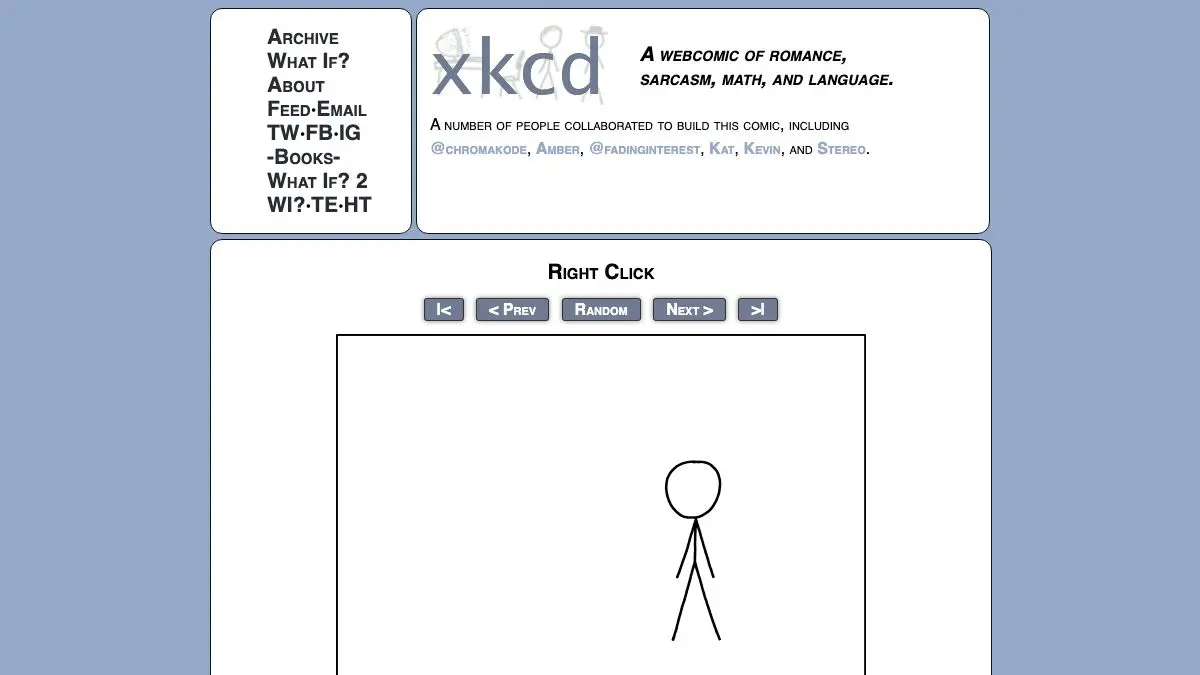
xkcd 1975: Right Click appears, at a glance, to be a drawing of a context menu. That is the joke, and it is not the joke. Right-click on it and the menu opens for real. Then a submenu opens. Then another. Twenty minutes later you are eight levels deep in a branch about nothing, having entirely forgotten that you came here to look at a comic.
What is xkcd 1975?
Randall Munroe has a habit of occasionally deciding that a rectangle with stick figures in it is insufficient. Click and Drag turned a panel into a world several miles wide. Time posted one frame every half hour for months and became an accidental community epic. Hoverboard buried a full explorable map inside what looked like a one-panel gag.
Right Click, published in 2018, is the version of that impulse aimed at interface design. The comic imitates the browser’s own context menu so precisely that the first right-click feels like a glitch rather than content. Then you notice the entries are wrong, the arrows lead somewhere, and the thing has depth.
What is underneath is a tree, not a list. Branches nest into branches. Some end in a single line of text that pays off the entire path you took to reach it. Some open into fake preference panels, absurd settings, options that contradict the option above them. There are callbacks to earlier comics for people who have been reading for years, and there are branches that go on far past the point where any reasonable person would have stopped drawing.
The comedy comes from the format itself. A context menu is one of the most boring objects in computing, a thing you use without looking. Turning it into a labyrinth means every joke arrives in the deadpan visual language of system UI, which makes the stupid ones funnier and the clever ones sharper.
It is also, quietly, a piece of work about the pleasure of exhaustive exploration. You cannot read this comic. You can only survey it, and you will never be confident you got all of it, which is exactly why people made maps.
What can you do with xkcd 1975?
- Right-click the image. This is the entire control scheme and the single instruction the comic never gives you.
- Follow every arrow. Entries with a submenu arrow always lead somewhere, and the payoff is often several levels further down than you expect.
- Hunt for the callbacks. Long-time xkcd readers will find references to earlier comics tucked into branches that look like filler.
- Find the interactive bits. Some branches are not text at all, and stumbling into one is the best moment the comic offers.
- Compare notes with the wiki. The explain xkcd community has documented enormous portions of the menu tree, including the paths almost nobody finds unaided.
- Show it to someone cold. Handing a laptop to a person and saying only “right-click” produces a very good ten seconds of confusion.
Tips to get the most out of it
Explore blind first. Do not open the wiki map until you have wandered on your own for a while. The discovery is the content, and a map converts the comic into a checklist.
Use a real mouse if you can. Trackpad two-finger tapping works, but the rhythm of the thing is much better with an actual right mouse button, and it is genuinely awkward on a touchscreen.
Take a branch to its end. The temptation is to backtrack the moment a path looks dull. Several of the best jokes are specifically designed to reward the person who kept going through the boring part.
Read the entries you cannot click. Grayed-out and non-functional items carry some of the sharpest writing in the whole comic.
Then read the wiki. Once you have exhausted your patience, the annotated map will show you entire regions you never touched, plus explanations of references you missed.
Go back through the other interactive ones. Click and Drag, Time and Hoverboard are all still live at their original URLs and none of them are worse than this.
If you like xkcd 1975, also try…
- User Inyerface: a form deliberately built out of every terrible interface decision ever made.
- Neal.fun: a whole site of interactive toys that hide more depth than their front pages admit.
- Pointer Pointer: one absurd idea executed with completely unreasonable commitment.
- Existential Comics: webcomics for people who read the footnotes.
More things that are much bigger on the inside in Entertainment & Fun and Weird & Wonderful.
Frequently asked questions
What is xkcd 1975?
xkcd 1975, titled Right Click, is an interactive comic by Randall Munroe published in 2018. Instead of a static drawing it presents a fake browser context menu, and right-clicking inside it opens submenu after submenu in a sprawling tree of jokes, references and tiny interactive bits. The whole comic is the menu.
How do you actually read xkcd 1975?
Open the comic and right-click on the image rather than reading it. A menu appears, and hovering or clicking entries with arrows opens further menus. The content is spread across many branches, so reading it means exploring rather than scrolling.
Are there hidden things in xkcd 1975?
Yes, a great many. Deep branches contain running gags, callbacks to earlier xkcd comics and small interactive elements you will not stumble on by accident. Fans have mapped large parts of the menu tree on the xkcd wiki, which is the practical way to find the parts you missed.
What are the other interactive xkcd comics?
Right Click belongs to a small family of xkcd experiments that break the comic format. Click and Drag is an enormous scrollable world, Time updated one frame at a time over months, and Hoverboard hides a whole side-scrolling map inside a single panel. They are all still online at their original comic numbers.
Visit xkcd 1975: Right Click →
← All posts · Browse the directory