// 2026-08-05 · Music & Audio · by Bob Smith
Natural Language Playlist: Describe a Vibe, Get an Actual Playlist
Natural Language Playlist turns a plain-English description, however specific or absurd, into a real Spotify playlist. No genres, no seed artists, just a sentence.
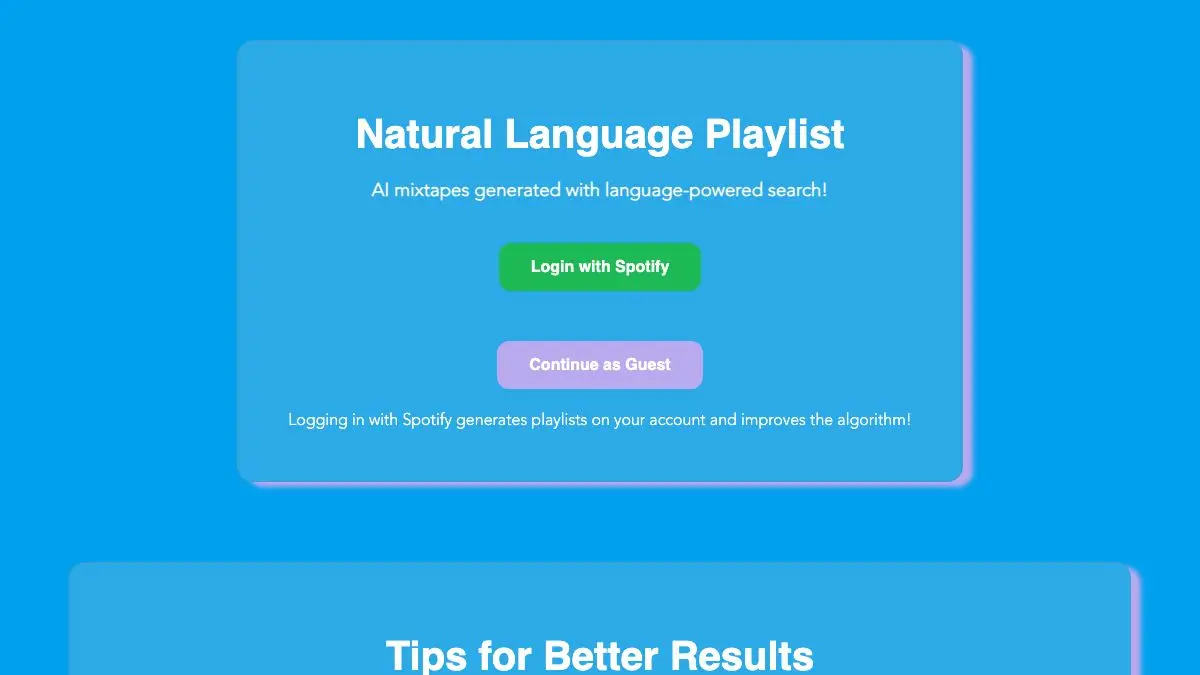
Natural Language Playlist lets you skip the part where you have to translate what you want into the vocabulary a music service understands. You don’t pick a genre. You don’t name three seed artists. You write a sentence, “songs for driving home at 3am after something went badly but not catastrophically,” and it hands you a tracklist. The premise sounds like a gimmick and it turns out to be the correct interface for music.
What is Natural Language Playlist?
Every streaming service’s discovery tools speak in categories. Genre, mood tag, decade, energy slider. Those categories are real and they’re also nothing like how anyone actually thinks about what they want to hear. Nobody has ever thought “I am in the mood for indie folk, medium energy, 2010s.” They think “something for cooking dinner on a Sunday when it’s raining,” which no service has a field for.
This site takes the sentence. Language models are unusually good at the specific task of reading a description like that and understanding what it implies about tempo, instrumentation, era, and register, because that association is exactly what’s encoded in text about music. Feed it a scene and it can infer the soundtrack. The result is turned into a real tracklist you can open in Spotify.
The genuinely fun part is that it doesn’t require the prompt to be sensible. Ask for a playlist for a Victorian ghost who has recently discovered synthesizers. Ask for the music playing in a laundromat in a film that doesn’t exist. Ask for songs that sound like the color of an old swimming pool. It will try, seriously, and the attempt is usually more interesting than a reasonable request would have been. Absurd prompts force it to reason about qualities rather than pattern-match a genre, and that’s when it surprises you.
Because it works from language rather than from your listening history, it doesn’t have the gravity problem that streaming recommenders do. Your service knows what you played last week and quietly keeps steering you back toward it. This has no idea who you are. Two people writing the same prompt will get overlapping but distinct results, and neither will be a reflection of what they already listen to.
It’s not flawless, and it’s worth knowing where it breaks. Track matching can miss, so a suggested song occasionally maps to a cover, a live version, or a different artist with a similar name. Very obscure or very new music is less reliable. And like anything built on a language model, it can be confidently wrong about a song’s character. Treat the output as a strong first draft rather than a finished playlist.
What can you do with Natural Language Playlist?
- Describe a scene instead of a genre. A place, a time of day, a weather condition, an activity. The more sensory the description, the better it does.
- Write an absurd premise deliberately. Impossible or fictional prompts produce the most distinctive results, because there’s no obvious genre to fall back on.
- Save the result to Spotify. Connect an account and the generated tracklist becomes a real playlist in your library.
- Use it to soundtrack something specific. A dinner party, a long drive, a writing session, a particular chapter of a thing you’re working on.
- Iterate on a prompt. Add a constraint, “but no vocals,” “but only pre-1980,” and rerun it. Refinement works better than starting over.
- Use it as a discovery tool, not a jukebox. The names you don’t recognize are the point; the ones you do are just calibration.
Tips to get the most out of it
Be much more specific than feels reasonable. “Chill music” gets you what you’d expect. “Late afternoon in an empty office in August, everyone else already left” gets you something you’d never have found. The system rewards detail with specificity.
Describe feeling, not category. Naming a genre collapses the request back into the thing every other tool already does. Describe what the music should do to the room and you get a much wider net.
Skim the tracklist before saving it. Matching errors happen. Thirty seconds of scanning catches the wrong-artist cover version before it ends up permanently in your library.
Keep the prompts that work. A phrasing that produces a great result will produce another great result with one word changed. Building a small collection of prompt shapes is more useful than saving the playlists.
Use it for the friction cases. It’s most valuable exactly when you can’t articulate what you want in service terms but can describe the situation you’re in. That’s a surprisingly common state and nothing else handles it well.
Cross-check the discoveries elsewhere. When an unfamiliar artist lands, look them up properly rather than letting them vanish into a playlist you’ll shuffle once. The single-track exposure is a lead, not a conclusion.
If you like Natural Language Playlist, also try…
- Every Noise at Once: the opposite approach, thousands of precisely named genres mapped and playable.
- Gnoosic: name three artists you love and get suggestions one at a time, no algorithm profile involved.
- Music-Map: related artists drawn as a spatial cloud where closer means more similar.
- Forgotify: plays songs on Spotify that literally nobody has ever listened to.
More ways to find music you didn’t know to look for in Music & Audio.
Frequently asked questions
What is Natural Language Playlist?
Natural Language Playlist is a web tool that takes a description written in ordinary English and builds a matching music playlist from it. Instead of picking genres or seed artists, you write something like a mood, a scene, or a hypothetical premise, and it returns a tracklist you can open or save in Spotify.
Is Natural Language Playlist free?
Yes, the site is free to use. Generating a playlist does not cost anything, though saving one to your own library requires connecting a Spotify account, and playing full tracks depends on your Spotify subscription level rather than on this site.
Do I need a Spotify account?
You can generate and view a playlist without one, but connecting a Spotify account is what lets you save the result to your library and play it properly. The site builds the tracklist; Spotify does the playback.
What kinds of prompts work best?
Specific and evocative prompts work far better than generic ones. A scene, a feeling, a situation, or an absurd premise gives the system more to work with than a single word like happy or sad. Describing what the music should feel like rather than naming a genre generally produces more interesting results.
Visit Natural Language Playlist →
← All posts · Browse the directory