// 2026-08-05 · Design & Creativity · by Bob Smith
Inkarnate: Paint a Fantasy World in Your Browser
Inkarnate is a browser-based map maker for fantasy worlds, dungeons and city streets, with painted textures and stamps that make amateur maps look professional.
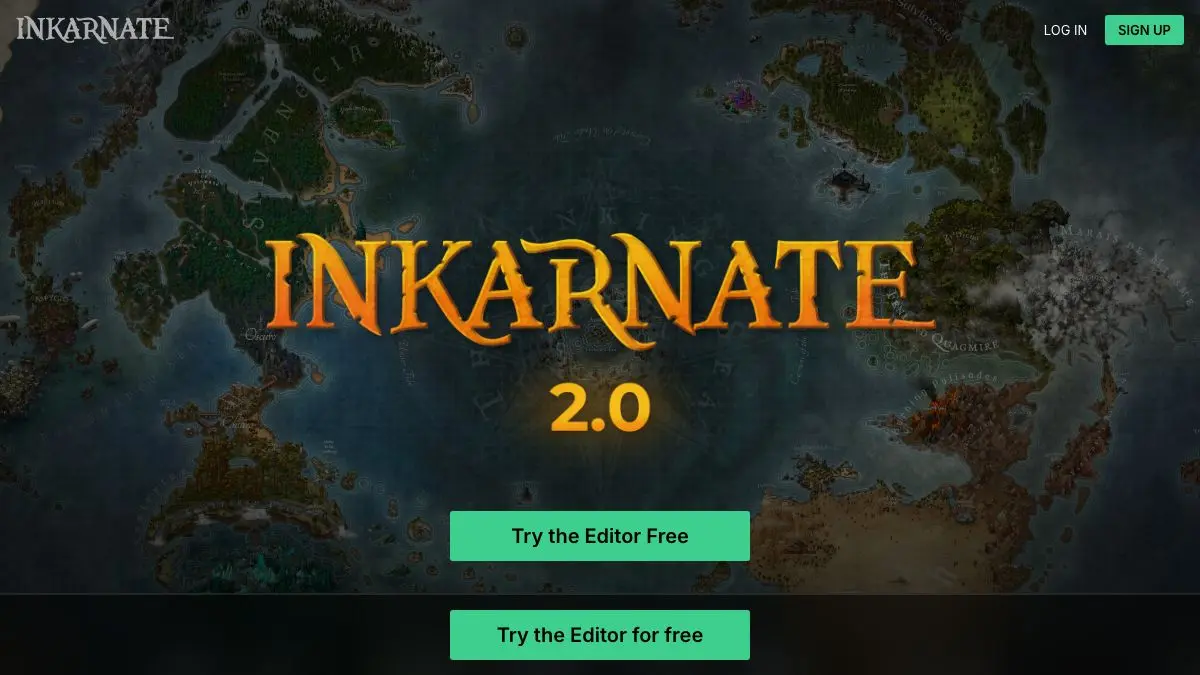
Inkarnate is the tool that turns your terrible campaign map into something that looks like it was torn out of a hardback. You start with a blank ocean, paint in a coastline with a brush, stamp mountains along a border, drop a forest, add a river, and about twenty minutes later you are looking at a continent that a stranger would assume came from a published book.
It is the rare creative tool where the gap between beginner output and expert output is unusually small, because the assets are doing most of the aesthetic work.
What is Inkarnate?
Fantasy maps have a very specific visual language: hand-painted parchment, hachured mountains, stylized forests, a compass rose in a corner, a script typeface for place names. Reproducing that from scratch requires real illustration skill. Reproducing it convincingly with a mouse and no training used to be impossible.
Inkarnate is a browser app that supplies the entire visual language as a set of brushes and stamps, all drawn in a consistent painted style, and lets you assemble them on a canvas. Choose a map type, pick a background texture, and start painting. Terrain goes on with a brush that blends at the edges. Objects go on as stamps you can scale, rotate, recolor and layer.
It covers several scales. World and regional maps for the big continental picture. City maps for streets, districts and individual buildings. Interior and battle maps for the dungeon your party is about to blunder into. Each has its own asset set and its own texture packs, so a stone dungeon floor is not the same brush as a temperate grassland.
The audience is mostly tabletop, Dungeons & Dragons game masters who need a map by Thursday, but it has spread well beyond that. Fantasy novelists use it for the frontmatter map. Worldbuilders use it because building the map is half the fun of building the world. Teachers occasionally use it for entirely fictional geography exercises.
The commercial model is freemium: a free account with a restricted asset library, and a Pro subscription that opens up the full catalog, larger exports and more saved maps. The free tier is a real tier, not a demo, but the asset library is where the value lives and Pro is where the asset library lives.
What can you do with Inkarnate?
- Paint terrain with textured brushes. Land, sea, desert, tundra, swamp, all blending into each other rather than sitting in hard-edged blocks.
- Stamp mountains, forests and settlements. Hundreds of pre-drawn objects in a consistent style, resizable and rotatable.
- Build city maps. Street layouts, districts, walls, docks and individual building footprints at town scale.
- Draw dungeons and battle maps. Room-by-room interiors with floor textures, furniture and props, sized for actual play.
- Label everything. Text tools with fantasy-appropriate typefaces, curved paths for river and mountain range names, and legends.
- Layer and mask. Stack elements, adjust opacity, and use effects to age the parchment or add atmospheric lighting.
- Export at print resolution. Push the finished map out as an image file for a virtual tabletop, a printout, or a book page.
Tips to get the most out of it
Start with the coastline and nothing else. The single biggest determinant of whether a fantasy map looks real is the shape of the land. Spend real time on an irregular, fractal coast with bays and peninsulas before you touch a single mountain stamp.
Put mountains where plates would collide. You do not need a geology degree, but ranges that run in lines near coasts and continental joins read as plausible. Mountains scattered randomly across a plain read as decoration.
Rivers run from high ground to the sea, and they merge. They do not split, they do not run uphill, and they do not start in the middle of a flat plain for no reason. Getting this right costs nothing and separates convincing maps from obviously fake ones.
Vary stamp size and rotation constantly. The fastest way to make a map look like clip art is to place forty identical trees at identical size and angle. Scale and rotate almost every stamp slightly.
Work on the free tier first. Learn the interface, make one complete small map, and only then decide whether the full asset library is worth paying for. You will know within an evening.
Check the license before you publish. If the map is going into something you sell, read the current terms for your plan rather than assuming. This is the one part of the tool worth being boring about.
If you like Inkarnate, also try…
- MapChart: the non-fantasy counterpart, for coloring in real countries and regions on real maps.
- OldMapsOnline: centuries of historical cartography, and an endless source of reference for what maps used to look like.
- Excalidraw: when you need a rough dungeon sketch in thirty seconds rather than a beautiful one in an hour.
- Pixilart: if your world needs sprites as well as a coastline.
More world-building tools in Design & Creativity, and more cartography in Maps & Exploration.
Frequently asked questions
What is Inkarnate?
Inkarnate is a browser-based map making tool aimed at tabletop roleplaying, worldbuilding and fiction writing. You paint terrain with textured brushes and drop in stamps for mountains, forests, buildings and labels. It covers world maps, regional maps, city maps, dungeons and battle maps.
Is Inkarnate free?
There is a free tier that gives you a limited set of assets and export options, and a paid Pro subscription that unlocks the full asset library, higher resolution exports and more map slots. The free tier is enough to learn the tool and make a usable map, but most regular users end up subscribing.
Do I need to install anything?
No. Inkarnate runs entirely in a web browser, so your maps are saved to your account and accessible from any machine. There is no desktop download to manage and no plugin required.
Can I use Inkarnate maps commercially?
Commercial use rights depend on your plan, and the free tier is generally limited to personal use. If you intend to publish a map in a product you sell, check the current licensing terms on the site before you start rather than after.