// 2026-08-05 · Learning & Education · by Bob Smith
Google Morse Code Trainer: Learn the Whole Alphabet in One Sitting
Google's Morse Typing Trainer teaches the full Morse alphabet through mnemonic images and short repeated drills. It is free, browser-based and startlingly effective.
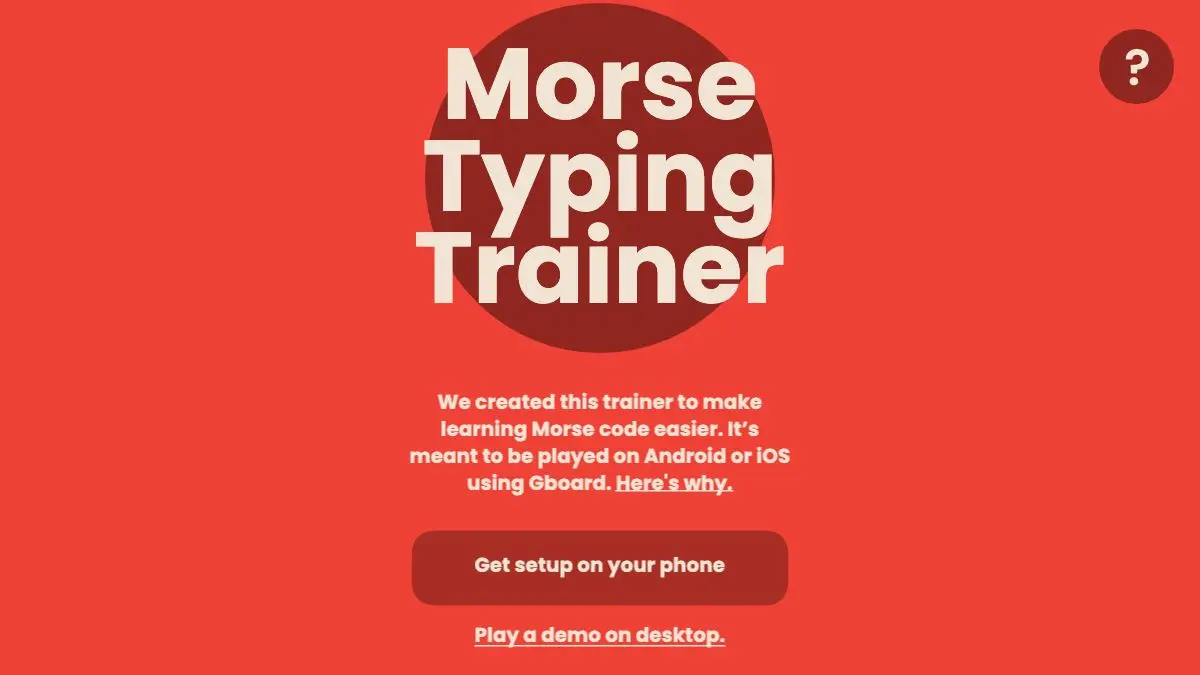
Google Morse Code Trainer will teach you the entire Morse alphabet in about the time it takes to watch a sitcom episode. This sounds like a lie. Morse has a reputation as a thing radio operators spend years getting good at, learned via flash cards and misery. The trainer’s insight is that the years are for speed. Learning which pattern means which letter is a much smaller problem, and it responds extremely well to good mnemonics and a tight feedback loop.
What is the Google Morse Code Trainer?
It is a browser experiment built by Google Creative Lab with the studio Use All Five, and it is not a standalone novelty. It exists because Google shipped Morse code as an input method for Gboard, its Android keyboard, as an accessibility feature: for people with limited mobility who can operate one or two switches reliably but not a keyboard, Morse is a genuinely practical way to write. That project needed a way for new users to learn the code without a textbook. This is it.
The teaching method is the interesting part. Each letter arrives attached to a small illustration whose shape encodes the pattern. Short and long strokes map onto pictures of things, so instead of memorizing that G is dash-dash-dot you memorize an image and the pattern falls out of it. It is the same trick behind every good mnemonic system: replace an abstract sequence with something your visual memory was already built to hold.
Letters come in small batches. You learn a few, drill them, then earn a few more, with previously learned letters mixed back in so nothing goes stale. Typing happens right there in the browser, and there is immediate feedback on every attempt, which is what stops the classic failure mode of practicing something wrong for twenty minutes.
The whole thing is free, requires no account, and is designed for Chrome. It is an “experiment”, in the sense Google uses that word, so treat it as a well-built toy rather than a supported product.
What can you do with it?
- Learn the alphabet from zero. No prior knowledge, no equipment, no signup. Open the page and start.
- Use the mnemonic images. Each letter’s picture is the actual teaching content, not decoration.
- Drill in short rounds. The game paces you in small batches with built-in review rather than dumping 26 letters at once.
- Practice typing, not just reading. You produce the code yourself, which is a different and more durable skill than recognizing it.
- Pair it with Morse for Gboard. If you have enabled the Morse keyboard on Android, this is the intended companion.
- Explore the wider project. The Morse accessibility work, including switch-based input, is documented at g.co/morse.
Tips to get the most out of it
Do it in one go if you can. The trainer is designed around a single continuous session, and the spacing of review is tuned for that. Stopping halfway and returning a week later means relearning the early letters.
Say the rhythm, don’t count the symbols. Morse is a rhythm language: “di-dah” for A, “dah-di-di-dit” for B. People who learn it as counted dots and dashes hit a hard speed ceiling later, because they are decoding rather than hearing.
Use headphones. The audio feedback matters more than the visuals once you are past the first few letters, and Morse tones on laptop speakers are unpleasantly thin.
Accept the mnemonics even if they feel silly. The pictures are doing memory work you cannot do consciously. Fighting them and trying to brute-force the patterns is slower.
Practice on real text afterwards. Tapping out your own name, then a sentence, then a paragraph, is what converts the alphabet from a quiz answer into something you can use.
Go listen to actual Morse on the air. Amateur radio operators still use it constantly. Hearing it in the wild at real speed is humbling and motivating in roughly equal measure.
If you like the Morse Code Trainer, also try…
- WebSDR: tune real radio receivers around the world in your browser and hear live Morse being sent by actual humans.
- Keybr: the same philosophy applied to touch typing, introducing letters gradually based on your own weak spots.
- TypeRacer: once you can type, the next problem is speed, and this turns it into a race.
- Learn X in Y Minutes: whole programming languages compressed into one annotated page.
More short, sharp skills you can pick up in an afternoon in Learning & Education, plus the practice tools in Tools & Utilities.
Frequently asked questions
What is the Google Morse Code Trainer?
It is a free browser-based game from Google Creative Lab and Use All Five that teaches you to type Morse code. Letters are introduced a few at a time with mnemonic illustrations that encode the dot-and-dash pattern, then drilled in short rounds until they stick. It was built to support Morse code for Gboard, Google's Morse keyboard for accessible communication.
Is the Morse Code Trainer free?
Yes, entirely free with no account and no installation. It runs in the browser, and it is designed for Chrome, so if it refuses to load on your browser that is usually why.
How long does it take to learn Morse code with it?
The trainer is built to get you through the alphabet in a single sitting rather than over weeks. Getting fast and accurate takes real practice afterwards, but going from zero to recognizing and typing every letter is a much shorter trip than most people expect.
Why did Google build a Morse code trainer?
It came out of a project to support Morse code as an input method for people with limited mobility, including the Morse keyboard for Gboard on Android developed with input from Morse users in the accessibility community. The trainer exists so that someone who has just enabled that keyboard can actually learn the code. More about the wider project is at g.co/morse.
Visit Google Morse Code Trainer →
← All posts · Browse the directory