// 2026-05-23 · Tools & Utilities · by Bob Smith
remove.bg: Delete Any Photo Background in Seconds
remove.bg cuts the background out of any photo automatically in seconds, hair, fur, tricky edges and all, with no selection tools and no design skills.
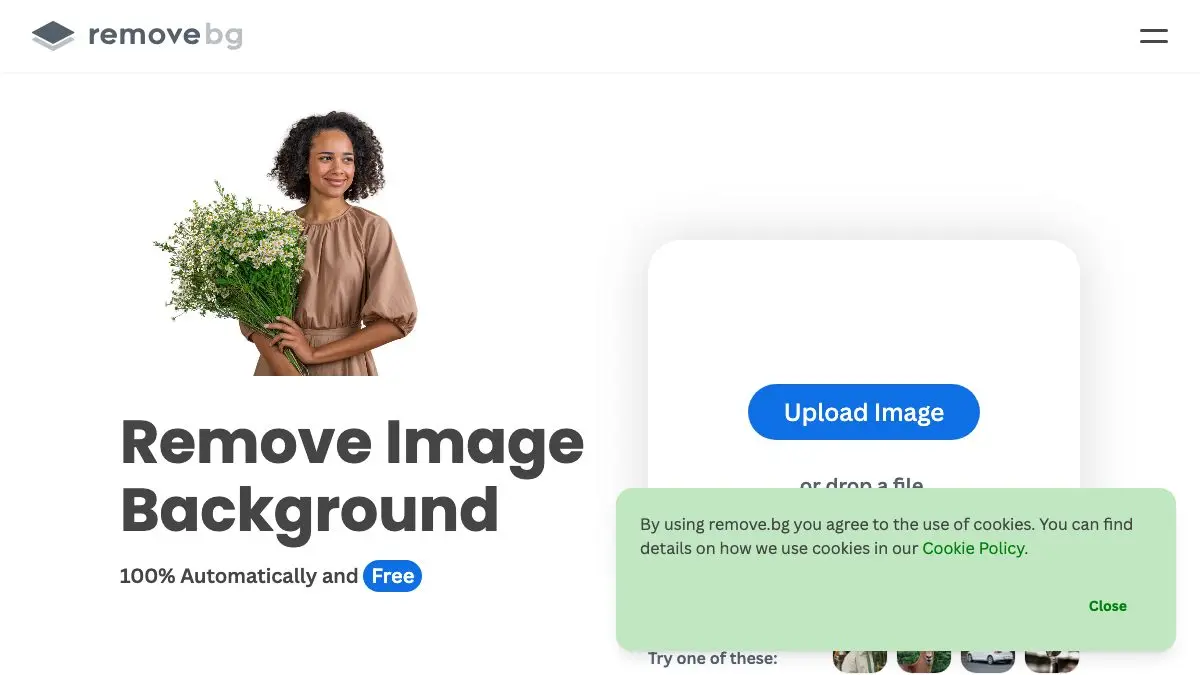
Cutting out a background used to be a twenty-minute job with a lasso tool, a steady hand and a lot of swearing about hair. remove.bg does it in about five seconds. Drop in a photo, watch the background vanish, download a transparent PNG. That’s the entire product, and it works alarmingly well.
What is remove.bg?
remove.bg is an AI background remover. You give it an image with a subject in it, a person, a product, a pet, a car, and it figures out where the subject ends and the rest of the world begins, then deletes the rest of the world.
The reason it feels like a magic trick is the edges. Anyone who has tried this manually knows the pain point isn’t the outline of a shoulder, it’s hair. Wisps, flyaways, curls, fur on a dog’s ear. That’s where hand-drawn selections fall apart and where remove.bg spends its cleverness. You get a transparent PNG with believable edges without ever touching a selection tool.
From there you can leave the background transparent, swap it for flat white for e-commerce listings, car photos and headshots, or drop something else behind the subject entirely.
It’s a Canva Austria GmbH brand these days, and it lives in more places than just the website: a Photoshop extension, desktop apps for Windows, Mac and Linux, an Android app, and an API for people who need to do this a thousand times instead of once.
What can you do with remove.bg?
- Make a product shot look professional. Kitchen table, bad lighting, cluttered background: out. Clean white, in. Instantly listable.
- Fix a headshot. Same photo, no distracting bookshelf behind you.
- Build collages and memes. Cut out a person, put them somewhere absurd. This is, statistically, what most people actually use it for.
- Clean up assets for slides and posters. A logo or an object on transparent background drops into any layout without an ugly white rectangle around it.
- Fine-tune with the Magic Brush. When the AI guesses wrong on a tricky area, you can paint over the region to tell it what should stay and what should go.
- Automate a batch. The API handles bulk jobs; the desktop apps handle folders of images without a browser in the loop.
Tips to get the most out of it
- Feed it contrast. The AI needs to see where the subject stops. A dark jacket against a dark wall is the hardest case; a subject that stands out clearly is a near-perfect cut every time.
- Upload the biggest version you have. More pixels means better edge detection. Don’t send it a screenshot of the photo, send the photo.
- Check the edges at 100% zoom before you commit. Ninety-five percent of cutouts are perfect. The other five have a stray halo or a missing earring, and the Magic Brush fixes it in ten seconds if you notice.
- Add the new background second. Get the transparent PNG first, then composite it in whatever you’re using. Doing it in one step gives you fewer options if you change your mind about the backdrop.
- Watch the resolution on free downloads. The free preview output is smaller than the full-resolution version, which is fine for a social post and not fine for a printed poster. Know which one you’re making before you start.
If you like remove.bg, also try…
- Photopea: a full Photoshop-grade editor in a browser tab, for when the cutout is just step one of a bigger composite.
- Squoosh: shrink the finished image to a sane file size without visibly wrecking it.
- Unsplash: free high-resolution photos to put behind your freshly cut-out subject.
- AutoDraw: the other “AI guesses what you meant” toy, and a genuinely delightful one.
More rescue tools in Tools & Utilities.
Frequently asked questions
What is remove.bg?
remove.bg is an online tool that automatically removes the background from a photo using AI, leaving a transparent PNG or a clean replacement background. You upload an image and get the cut-out back in a few seconds, with no manual selecting, masking or tracing required.
Is remove.bg free?
remove.bg works on a freemium model: you can remove backgrounds and download a preview-sized result for free, while full high-resolution downloads use credits from a paid plan or subscription. For social posts and quick mockups the free output is usually plenty.
Does remove.bg work on hair and fur?
Yes, fine detail like hair, fur and fluffy edges is exactly what it is built for, and it is the part that takes the longest to do by hand in a traditional editor. Results are best with clear separation between the subject and a reasonably uncluttered background.
Can I use remove.bg without uploading to the website?
Yes. Beyond the website there is a Photoshop extension, desktop apps for Windows, Mac and Linux, an Android app, and a developer API for automating batches. remove.bg is a Canva Austria GmbH brand.