// 2026-06-26 · Entertainment & Fun · by Bob Smith
Quick, Draw!: Can a Neural Net Read Your Doodles?
Quick, Draw! gives you 20 seconds to sketch a prompt while a neural network guesses out loud. Six rounds, no skill needed. Free, and impossible to play once.
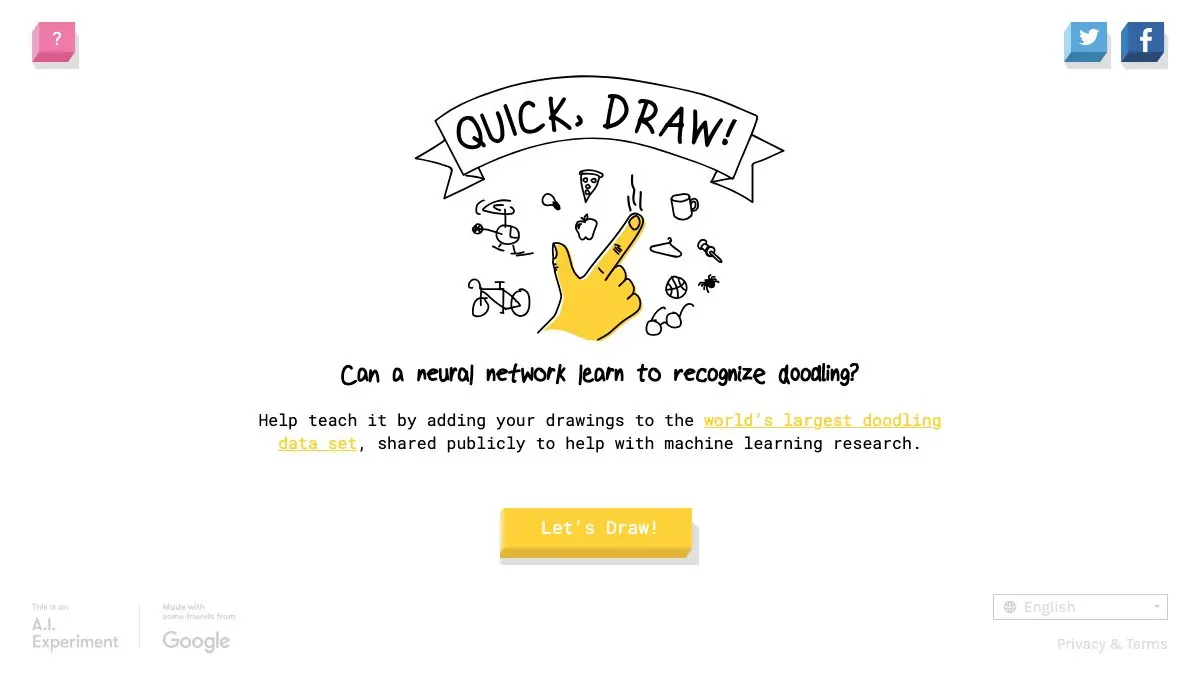
Quick, Draw! is a game where you get 20 seconds to doodle a word while a neural network shouts guesses at you. Six prompts a round. No skill required, no account, no download. It is free, it takes two minutes, and absolutely nobody has ever played exactly one round.
What is Quick, Draw!?
Google built Quick, Draw! as a way to show machine learning doing something in public, in real time, in a form anyone could understand in five seconds. It worked embarrassingly well.
The setup could not be simpler. You are told to draw a lighthouse. A timer starts. You scrawl. And while you scrawl, a voice starts calling out what it thinks you might be making, “I see a candle… a rocket… a lighthouse!”, the moment it gets there, the round ends and you move on.
The magic is in the guessing out loud. Most AI demos show you a result. This one shows you the model’s mind changing as evidence arrives, and it is unexpectedly gripping. You can watch it commit to “sandwich,” reconsider, then leap to “hamburger” the instant you add the extra line.
It is also, crucially, funny. Twenty seconds is not enough time to be good at drawing, so everyone is bad, and the machine’s confident wrong guesses about your bad drawing are the entire comedy engine.
Underneath the game there is a serious idea. The model learned from millions of doodles that other people drew for the same prompts, which means it recognizes the convention for a thing, not the thing itself. Draw a scientifically accurate crab and it will flounder. Draw the crab a six-year-old would draw and it nails it immediately.
What can you do on Quick, Draw!?
- Play a round. Six prompts, 20 seconds each. That is the whole game and it needs no instructions.
- Watch the guesses arrive. Keep half an eye on the guess list while you draw. It is the most interesting part.
- Review your doodles afterward. At the end you get all six back, marked recognized or not.
- Click into a drawing. Each one shows what the network thought and, better, what other people drew for the same word.
- Compare with the crowd. The grid of other players’ attempts at the same prompt is the best feature on the site. Some are masterpieces. Most are crimes.
- Play on a touchscreen. A finger on a phone is arguably the correct input device for this. Precision is not the goal.
Tips to get the most out of it
Draw the symbol, not the object. This is the winning strategy and it teaches you something real about the model. Do not draw a photorealistic sun; draw a circle with lines coming out of it. Cliché wins.
Get the identifying feature down first. You have 20 seconds and the model is guessing continuously, so lead with whatever makes the thing unique. Elephant? Trunk first. Everything else is decoration.
Do not fix your mistakes. Time spent tidying is time not spent adding a recognizable feature. Ugly and complete beats neat and half-finished, every time.
Always click through to other people’s drawings. Seriously. The post-game gallery is where the real entertainment is, and most players skip straight to another round without ever opening it.
Try to make it guess wrong. Once you can beat it easily, invert the challenge: draw a real, careful, accurate version of the prompt and watch the model fall apart. That failure is more educational than any success.
Hand it to a kid. Or an adult who insists they cannot draw. Both discover within one round that they can, in fact, draw well enough for a neural network, which is a lovely thing to watch land.
If you like Quick, Draw!, also try…
- AutoDraw: the friendly sibling: sketch badly and it offers you a clean professional icon of what you meant.
- This Person Does Not Exist: refresh for an endless supply of convincing faces of people who have never existed.
- Patatap: mash your keyboard and get instant sound and animation, for when you want play with zero rules.
- Neal.fun: a whole shelf of interactive toys built with the same “try it and see” spirit.
More two-minute joys in our Entertainment & Fun collection. Then go play Quick, Draw!, and remember, ugly and fast beats pretty and slow.
Frequently asked questions
What is Quick, Draw!?
Quick, Draw! is a free browser game from Google in which you are given a word and 20 seconds to doodle it while a neural network tries to guess what you are drawing in real time. A round consists of six prompts, and at the end you can click each doodle to see what the model thought it was and how other people drew the same thing. It was built as a public-facing AI experiment to show machine learning working live.
Is Quick, Draw! free?
Yes, it is completely free, runs in any browser, and needs no account or download. It works with a mouse, a trackpad, a stylus or a finger on a touchscreen.
How does Quick, Draw! guess what you are drawing?
It uses a neural network trained on an enormous set of doodles that players have already drawn for the same prompts. As you sketch, the model compares your strokes against the patterns it learned and calls out its best guesses aloud. That is why it recognizes a conventional cartoon-style drawing far faster than an anatomically careful one.
What happens to the drawings people make?
The doodles feed back into the project and Google has released a large public dataset of them, which researchers, artists and developers have used for everything from training models to generative art. After a round you can also browse other players' drawings of the same prompt, which is where much of the game's comedy lives.