// 2026-08-05 · Design & Creativity · by Bob Smith
Hex Clock: A Clock That Is Also a Color
Hex Clock shows the time as a six-digit hex code and paints the whole page that color. It changes every second, and the palette is quietly beautiful.
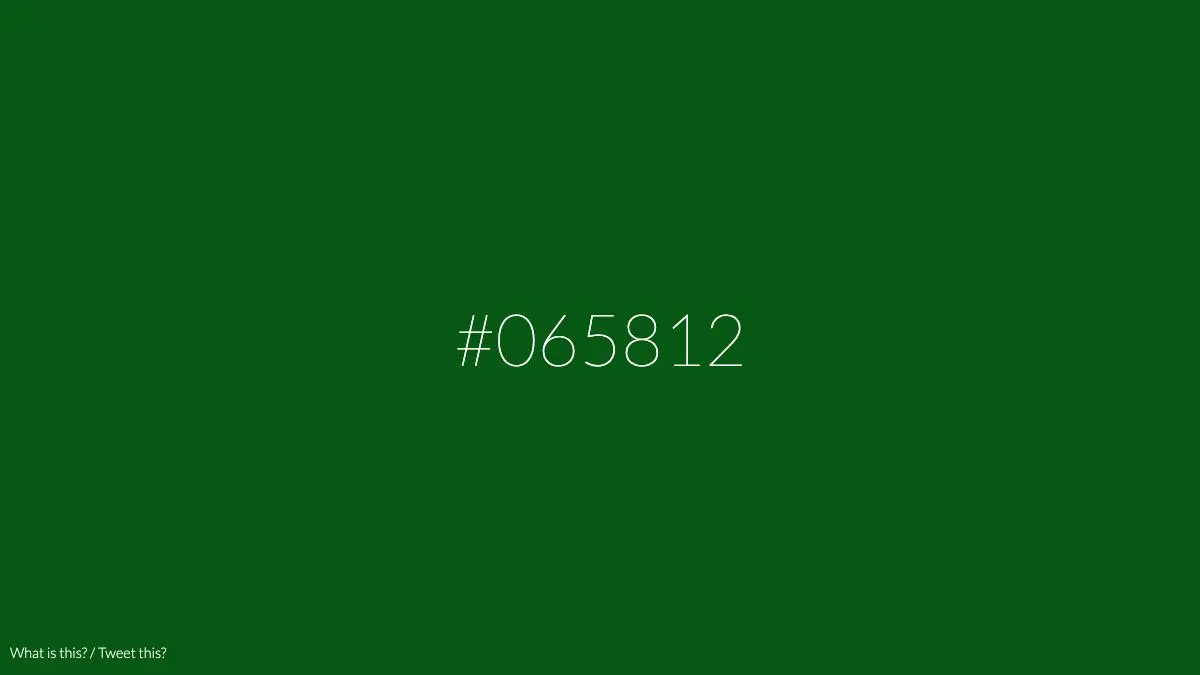
Hex Clock does one thing, and the idea is so tidy it feels like it should have always existed. It reads the current time, strips out the colons, and treats the remaining six digits as a hexadecimal color. Then it paints the entire browser window that color. 14:23:07 becomes #142307, a deep forest green. One second later it is #142308, which is imperceptibly different, and that is the point.
What is Hex Clock?
A hex color code is six characters: two for red, two for green, two for blue. A digital clock is also six characters. Somebody was always going to notice, and Jacopo Colò built the version that stuck.
The result is a page that is simultaneously a clock and a color swatch. The time is printed in the middle in the same six digits, and the background is the color those digits describe. There is no menu, no settings panel, no explanation. You understand it in about two seconds and then you keep watching it anyway.
What makes it more than a one-liner is the constraint nobody planned. Hours cap at 23, minutes and seconds at 59. In hex terms that means the red channel can never go above 23 and the green and blue channels can never go above 59. Out of the 16.7 million colors available on the web, a clock can only ever reach a few thousand of them, and every single one is dark, cool and slightly underwater. The whole day lives in a palette of midnight blues, bottle greens and charcoal teals.
So the clock has a rhythm. Seconds tick the blue channel up in tiny increments. Minutes shift the green. The hour, once every sixty minutes, nudges the red by a barely visible amount. Watch it for a while and you can start to feel the shape of the day as a very slow gradient.
It is also the fastest way to build intuition for hex codes. Designers spend years half-guessing what #0a3f52 looks like. Ten minutes of this and the mapping stops being abstract.
What can you do with Hex Clock?
- Just leave it open. The primary use is watching it. It costs nothing and it is a nicer thing to have on a second screen than a dashboard.
- Learn to read hex by eye. Watch a channel climb and see the color move. It is a color theory lesson disguised as a clock.
- Run it full-screen as an ambient display. F11, walk away, and you have a slow color field that also happens to tell the time.
- Screenshot a moment. The color of your birth minute, a deadline, the second a build finally passed. It is a small, silly, oddly satisfying keepsake.
- Harvest a palette. The colors it produces are all dark and cool and unusually well-behaved together. Grab a few for a dark-mode theme.
- Show it to someone learning CSS. The relationship between the number and the color clicks instantly, which is rare for a topic that usually takes a whole lesson.
Tips to get the most out of it
Watch the hour change. Most of the motion is in the last two digits and it is nearly invisible. The one moment with a real visual jump is the top of the hour, when the red channel steps and the entire mood of the page shifts.
Note that midnight is pure black. At 00:00:00 the color is #000000. The day literally starts from nothing and brightens from there, which is a poetic accident nobody had to design.
Use it on an old tablet. A phone or tablet you no longer carry, propped up in kiosk mode with this loaded, makes a genuinely pleasant desk object for zero effort.
Compare it to a color picker. Open any hex picker beside it and type in the current time manually. Seeing the same value in two contexts is what makes the mapping stick.
Do not expect precision timekeeping. It reads your device clock and updates once a second. It is an ambient object, not a stopwatch. If you need to actually time something, use a tool built for that.
Try it in a dark room. The palette is dark by construction, so the page throws almost no light. It is one of the few clocks you can leave on beside a bed without lighting up the whole room.
If you like Hex Clock, also try…
- Coolors: generate and lock full color palettes in seconds, with hex codes you can copy straight out.
- Color Hunt: a curated feed of four-color palettes, useful when you want someone else’s taste.
- Patatap: another single-page toy that turns one simple input into color and motion.
- What Time Is It Right Now: the other end of the clock spectrum, answering the question with maximum unnecessary effort.
More single-idea beauties in Design & Creativity, and more things that shouldn’t exist but do in Weird & Wonderful.
Frequently asked questions
What is Hex Clock?
Hex Clock is a single-page website that displays the current time in HH:MM:SS format and uses those same six digits as a hexadecimal color code for the page background. At 14:23:07 the background becomes #142307. It repaints itself every second, so the color drifts continuously through the day.
Is Hex Clock free?
Yes. It is a free web page with no account, no ads and nothing to install. Open the URL and it starts working immediately.
Why are all the colors dark?
Because the hours only run to 23 and minutes and seconds only to 59, the red channel never exceeds hex 23 and the green and blue channels never exceed hex 59. That confines the whole day to a narrow band of dark teals, navies and near-blacks. It is an accidental constraint that happens to look great.
Can I use Hex Clock as a screensaver or wallpaper?
It works well full-screen on a spare monitor or a tablet, since it is just a web page that keeps updating. Press F11 or use your browser's full-screen mode and leave it running. Some people also point a kiosk-mode browser at it on an old device.